Guests and ceremonies
How to Keep Wedding, Reception and Homecoming Guest Lists Separate
By MyWeddingDayUpdated
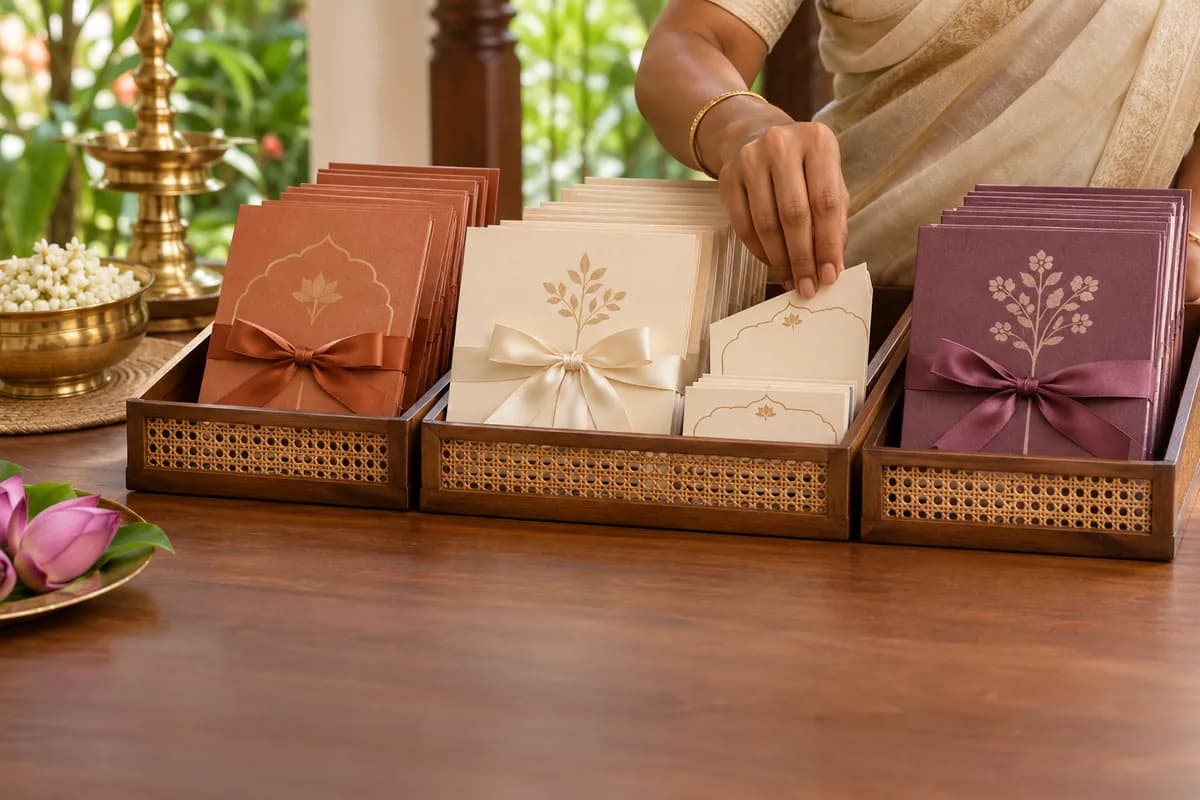
When you host more than one event, the same household can have different people and reply dates for each celebration. Give each event a clear name and verify the invitation and headcount against it.
Name every event the same way across the planning records
Write a short title including the occasion and date. Keep that wording for the venue, the schedule, the reply record and guest messages where practical. When the ceremony and reception share a date but use different halls, include the right room as well. Record the actual invited people under the household and mark their assignment to each event. A household is one delivery contact even if some members attend only one event. Use a small test list to check these combinations before sending invitations.
For example, a family of five is invited to the homecoming, while only two attend the earlier ceremony. Verify that the homecoming instructions show the names or information appropriate for the group of five and that the earlier invitation reaches the intended two. When they reply, confirm the time and names for each event. Any disputed count goes back to the delivery owner before caterers receive a figure. Avoid applying a response from one timeline to all events.
Hand the venues different copies of the final guest numbers
Set the catering and layout deadline for each venue. Export or record a dated event-specific count and give the receiving person a list of any authorised changes after that time. Share final seating only for the room and event concerned. At each door, use the right welcome list and a backup contact for questions about whether a guest is expected at another event.
Compare the household record with the actual attendance
Group names the way invitations will be delivered. Give each household one contact and one invitation owner. Then record the people inside the group and which events each person can attend. The same guest might join the ceremony and reception while another member of the household attends only the reception. Recording the assignment at person level lets you prepare seat and meal numbers without requiring the family to deal with several separate contacts.
A test record could be the Perera household with four invited people. Two are expected at the ceremony and three at the reception. One of the three needs a high chair. When the reply comes in saying that only the parents will attend, clarify which event the answer refers to before editing the other count. Record the channel and date of the final confirmation. Keep pending attendance visible until the follow-up owner has checked it. Where people appear under two family lists, decide who sends the invitation and preserve a note so both helpers know it has been handled.
Before sending the count to a venue, inspect a sample of households that contain several guests and attend different events. Check that each person is counted once in each relevant event. Send the caterer the count and the meal categories you agreed to share. Give the welcome team the limited information it needs to seat people. Keep contact details and private notes with the organiser responsible for following up.
Keep one master copy for digital and printed details
Place the event name, room, date, arrival time, map pin and RSVP method in one reference that both the stationery and digital teams use. Add separate rows for each event, including the homecoming if it has its own location and headcount. Agree who can approve a change. A designer should know which details are confirmed and which ones can remain as placeholders in a proof. A family volunteer should know which copy to use when answering a guest's question.
When an update is approved, mark the exact old and new details and list which materials already went out. A change to parking instructions may require an updated digital page, an insert and a message to guests catching a shuttle. A date or venue change may require a broader notice. Use language that spells out the new instruction and the event it affects. Send it by the same channel the household used previously if that channel reached them. Make a phone call where the change has a large impact and the usual recipient is hard to reach.
Test the new version like a fresh invitation. Check that the URL opens, the map pin points to the correct approach and the displayed dates still match the event that the household can attend. Date the master and keep one record of whom you contacted. A volunteer who joins near the wedding can then answer from the current information without guessing which card or chat message was the latest.
Read the invitation from the guest's side
Give the draft to a person who knows the family and to a person who knows only the venue area. Ask them to describe who can attend, the occasion, the time to arrive, where to go and what action the sender wants. Include a reader who uses the other language where you have more than one version. Their answers will identify assumptions you and the designer have been making. Someone may read an arrival window as the start of the ceremony or think that the hotel name is enough to identify its event rooms.
Group practical information together. Write the event name, full local date, arrival time, room name and venue area with enough space for the longest version. Keep the reply method and date close to each other. If the couple has separate guest groups for the ceremony and reception, test a real example of each type of invitation. Check that the correct household names and relevant events appear, and that the sample does not mention a room or time from a separate event.
Give the reviewer the actual printed proof or the linked page on a phone. Ask them to find the message again without your help. If you need a change, correct the master event details and regenerate affected versions. Afterward, verify the changed field and what sits immediately above and below it. An edit can move a line or make a label less clear. Approve with the person handling delivery and agree which version they will use.
Reconcile attendance, seating and catering counts
Take a snapshot after the final reply date and give it a date and event name. Compare people marked attending with seats assigned and meals ordered. Keep vendor meals, children's meals and high chairs visible in separate fields, then confirm how the venue wants them counted. Review any groups with people arriving at different parts of the celebration. A guest joining for the meal may need a seat even if they missed the ceremony. A performer who needs a meal may be counted by the caterer without appearing on the guest seating chart.
Try a three-column check for a sample event. If there are 122 confirmed guests, 120 seats marked in the room and 126 guest meals requested, ask what explains each difference. The missing seats may be children sitting with their families or a table assignment that was skipped. The four extra meals might be agreed reserve portions. Record each explanation instead of adjusting totals until they happen to agree. Ask the venue which tables can absorb late additions and how meal numbers change when a guest switches categories.
Once the numbers reconcile, make the final handoff by event and version. Send setup staff the table plan, the caterer the counts and the welcome team the name or household lookup it needs. Record changes after that time in one place. Make sure every person using an older copy hears about a change affecting their role, especially when two teams print the plan at different times or take over from earlier shifts.