Invitations and RSVPs
Accidentally Shared a Personal Wedding Invitation in a Group Chat?
By MyWeddingDayUpdated
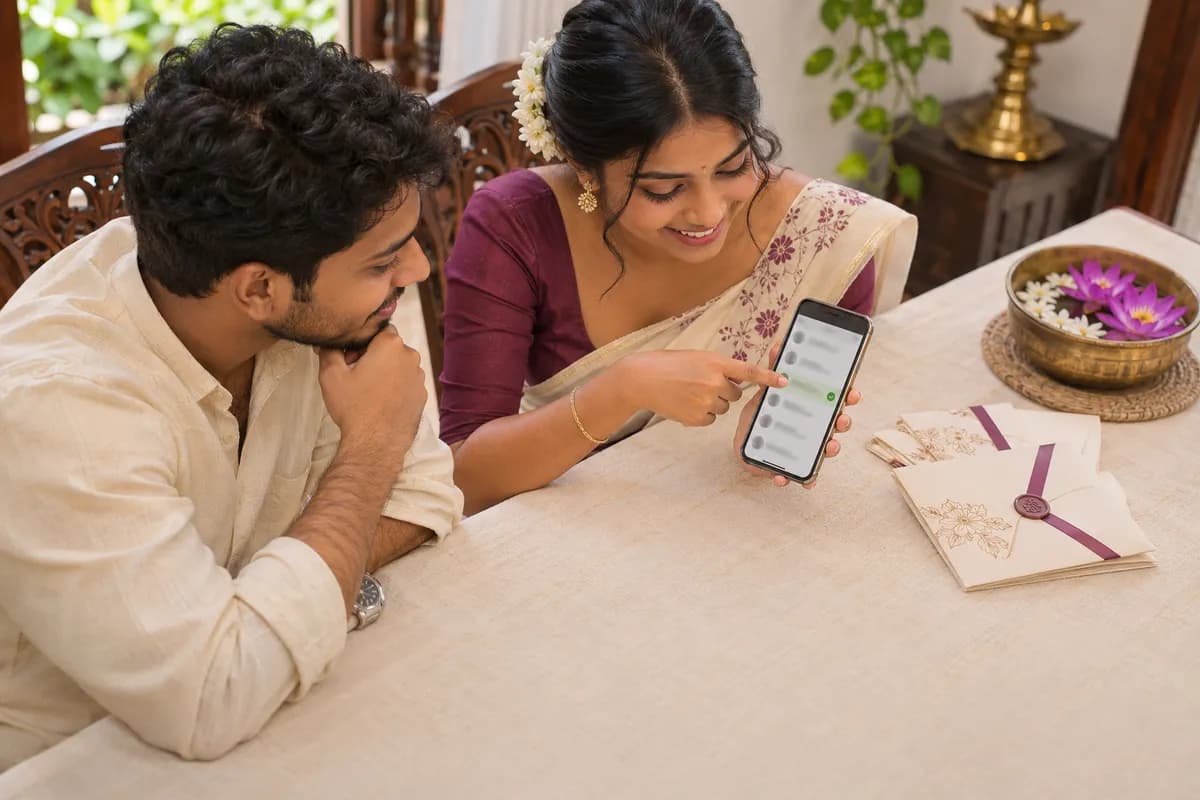
Pause the batch and make sure you know which household and event were affected. One incorrect send is easier to correct before more links are copied. Personal invitations can carry information or response options intended for the named household.
Check the event and the affected response
If your helper posted a personal reception link in a family group, ask them to remove the message where they can and send a brief correction that the invite was intended for a specific household. Check whether the group saw details intended for that household. Look at the recorded RSVP and contact the intended household directly if anything looks wrong. A timestamp alone cannot tell you which person replied. Ask which named guests can attend the relevant event, then record the answer from the household's own contact.
Use the invitation controls available to replace or handle the link and check what happens before sharing the corrected message. Verify that any new link opens, identifies the intended event and presents the right reply options. If you cannot confirm the status of the earlier link, tell the household how to respond directly so you can identify its actual answer. Keep the correction text short and omit other households' details.
Adjust the batch so the mistake is less likely
Create a short sending check with the guest name, event and direct contact. Open one household at a time. Have the helper mark sent only after checking the chat header. For duplicate names, add a distinguishing note meaningful to the sending team, such as the family branch or event, without putting it in the invitation itself. Run the next small batch and confirm the records before returning to normal delivery.
Keep personal invitation links with the intended household
Before handing out links, distinguish a general information page from an invitation that already identifies a guest group. A general directions page can be shared with a larger audience if it contains only public information. A personal link should reach the intended household directly. Check the recipient and event when copying it. If a family helper is sending links, give them the minimum set they need and use household names that make a mix-up easy to spot.
If a personal link lands in the wrong chat, contact the person who sent it and have them stop the batch long enough to identify the affected household and event. Ask the unintended recipient to disregard it. Check whether anyone submitted an answer before you treat the record as the household's response. Use whatever replacement or sharing controls the workspace provides and test the new link with the recipient. Where you cannot confirm the old link's status, keep a record of which reply channel you have agreed with the household.
Send corrected information in a fresh direct message with a clear explanation of which invitation to use. Keep the incident record limited to what the organiser needs and avoid forwarding screenshots with unnecessary contact or guest details. Review how the mix-up happened before sending another batch. A common fix is to open one household record at a time and confirm the sender can repeat the event name and recipient before copying the link. That check also helps when two relatives have similar names.
Give each household a clear delivery owner
Make a list that groups invitees by the person receiving the invitation. Record the event, the preferred channel, the language, the sender and the date it was sent. A parent delivering print copies may have a different list from a cousin sending WhatsApp messages. Both should work from the same household record. Where more than one person helps, agree which person has the latest contact details and handles follow-up. Record a call or personal visit alongside a digital send so a household does not get several unexplained reminders.
Before sending a batch, check names and event against the message or envelope. Put time aside for calls to guests who use a shared phone, have a new number or need directions explained. Ask the delivery owner to mark returned envelopes, undelivered messages and wrong contacts. An unchanged delivery date is enough for the first send. For a correction, add a new dated entry and mention what changed so a second person can see why the household was contacted again.
Track delivery separately from the reply. A guest can have received the card and still be deciding. Equally, someone can confirm by phone before a paper card arrives. At the next family check-in, review only the households with a delivery problem, pending reply after the cutoff or a change that requires a new message. Keep the contact information with the delivery team. The caterer and venue can usually work with totals and table instructions without receiving everyone's numbers.
Compare the household record with the actual attendance
Group names the way invitations will be delivered. Give each household one contact and one invitation owner. Then record the people inside the group and which events each person can attend. The same guest might join the ceremony and reception while another member of the household attends only the reception. Recording the assignment at person level lets you prepare seat and meal numbers without requiring the family to deal with several separate contacts.
A test record could be the Perera household with four invited people. Two are expected at the ceremony and three at the reception. One of the three needs a high chair. When the reply comes in saying that only the parents will attend, clarify which event the answer refers to before editing the other count. Record the channel and date of the final confirmation. Keep pending attendance visible until the follow-up owner has checked it. Where people appear under two family lists, decide who sends the invitation and preserve a note so both helpers know it has been handled.
Before sending the count to a venue, inspect a sample of households that contain several guests and attend different events. Check that each person is counted once in each relevant event. Send the caterer the count and the meal categories you agreed to share. Give the welcome team the limited information it needs to seat people. Keep contact details and private notes with the organiser responsible for following up.
Test the invitation on a phone outside your workspace
Send a sample to a trusted person using the channel most guests will receive. Have them open it outside your owner account on a phone. Ask them to find the event title, the arrival time, the map and the reply form without instructions. Try the link from a messaging app and a normal browser. When the invitation offers personal details, use a test household with sample names. This gives you a way to test personalisation and access without exposing someone's real guest record.
Check the display on a smaller screen and under an ordinary mobile connection. Photos should leave the event details quick to reach. Scroll to the reply area and check what happens after the test person submits one attending guest, declines or closes the page before submitting. Confirm the wording for successful submission and check where the completed reply appears in the workspace. If you are collecting responses for several events, repeat the test for each event invitation and compare the saved replies to the actual selection.
Verify the external parts as well. Check that the map pin has the right vehicle approach and that the displayed reply number is reachable. Open a revised test version if you change a date or entrance after first approval. Keep the sample message and record the final test date where the sender can see it. When you find a fault, fix it before sending to the next batch and keep a short fallback message ready for a guest who needs the details by phone.