Invitations and RSVPs
How to Send Wedding Invitations on WhatsApp
By MyWeddingDayUpdated
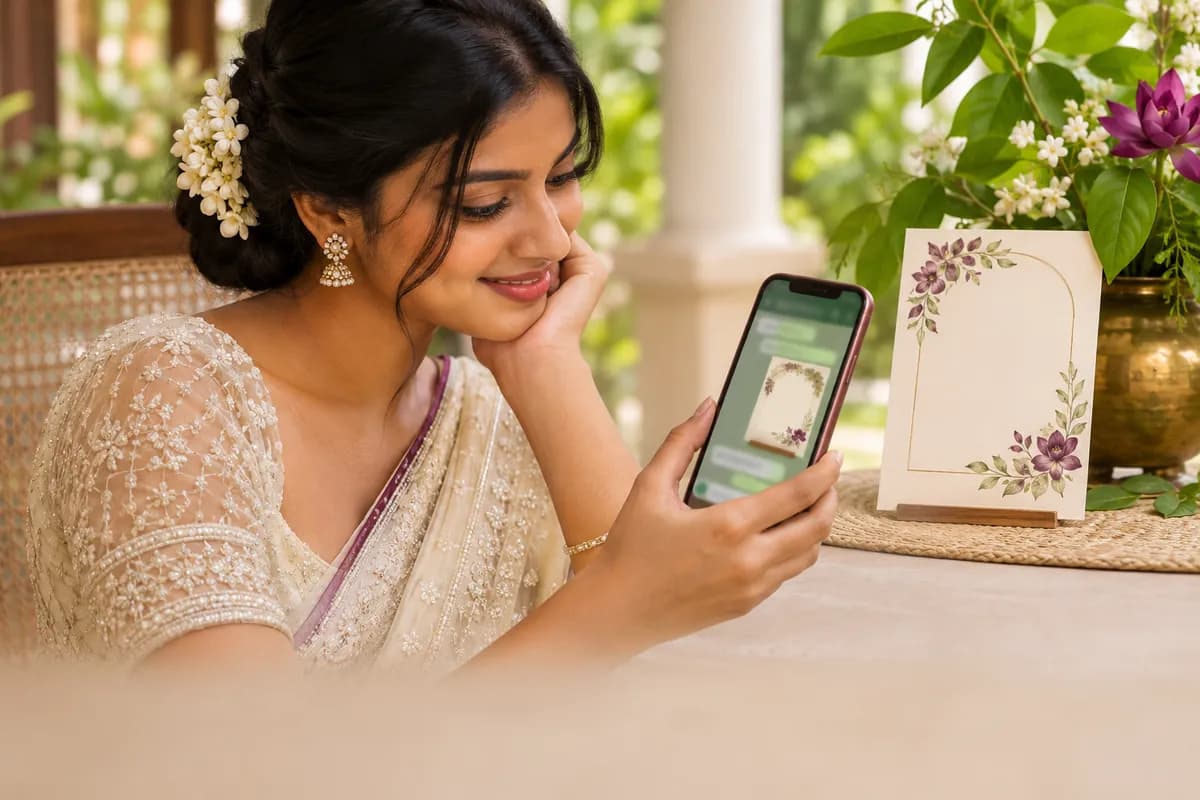
A short WhatsApp message can help a guest recognise an invitation and know what to do with it. Send it from a number the guest knows, identify the wedding and mention when you need their reply. A message with just a link can be easy to miss.
Write a short message guests can recognise
A starting point is 'Hi Aunty Mala, we would love you and Uncle Sunil to join us for our wedding reception on 12 December. Here are the details and reply link: [link]. Could you let us know by 20 November? Love, Amaya and Kavin.' Adjust the greeting and names for the household receiving it.
If the invitation link is personal, send it in a direct message and check the recipient against your guest list. For event changes, contact only the people affected and include the updated detail in the message so it is visible without a click.
Test on an ordinary guest phone
Open a sample invitation on a phone without a wedding workspace login. Check names, time, location pin and reply form. Try a slower connection and see whether the important information remains easy to read. Send yourself a test message and verify what text appears in its preview.
Keep a record of alternate replies
Record the day sent and preferred reply method beside each household. Offer a phone contact or a print copy where that works better. When someone replies in chat or by phone, update the same attendance record you use for form replies so the catering count stays current.
Send a small pilot before the full guest list
Choose one household in each language or invitation type and explain that you are testing. Ask whether the first message told them what it was, whether the link opened and whether they knew how to reply. Check that a preview for one event does not show details from a different event. Record point-in-time replies instead of marking every delivered message as attending. Tell the family helper which link belongs to their household and have them send it directly.
If the pilot shows an unfamiliar map pin, correct the master details and send a fresh test message. Once the pilot works, send the next batch one household at a time using the approved wording as a starting point. Record any phone calls you made to households without WhatsApp. At the reply cutoff, check missing attendance rather than reopening every conversation. A short specific message naming the event and people usually makes an unclear reply much easier to settle.
Test the invitation on a phone outside your workspace
Send a sample to a trusted person using the channel most guests will receive. Have them open it outside your owner account on a phone. Ask them to find the event title, the arrival time, the map and the reply form without instructions. Try the link from a messaging app and a normal browser. When the invitation offers personal details, use a test household with sample names. This gives you a way to test personalisation and access without exposing someone's real guest record.
Check the display on a smaller screen and under an ordinary mobile connection. Photos should leave the event details quick to reach. Scroll to the reply area and check what happens after the test person submits one attending guest, declines or closes the page before submitting. Confirm the wording for successful submission and check where the completed reply appears in the workspace. If you are collecting responses for several events, repeat the test for each event invitation and compare the saved replies to the actual selection.
Verify the external parts as well. Check that the map pin has the right vehicle approach and that the displayed reply number is reachable. Open a revised test version if you change a date or entrance after first approval. Keep the sample message and record the final test date where the sender can see it. When you find a fault, fix it before sending to the next batch and keep a short fallback message ready for a guest who needs the details by phone.
Give each household a clear delivery owner
Make a list that groups invitees by the person receiving the invitation. Record the event, the preferred channel, the language, the sender and the date it was sent. A parent delivering print copies may have a different list from a cousin sending WhatsApp messages. Both should work from the same household record. Where more than one person helps, agree which person has the latest contact details and handles follow-up. Record a call or personal visit alongside a digital send so a household does not get several unexplained reminders.
Before sending a batch, check names and event against the message or envelope. Put time aside for calls to guests who use a shared phone, have a new number or need directions explained. Ask the delivery owner to mark returned envelopes, undelivered messages and wrong contacts. An unchanged delivery date is enough for the first send. For a correction, add a new dated entry and mention what changed so a second person can see why the household was contacted again.
Track delivery separately from the reply. A guest can have received the card and still be deciding. Equally, someone can confirm by phone before a paper card arrives. At the next family check-in, review only the households with a delivery problem, pending reply after the cutoff or a change that requires a new message. Keep the contact information with the delivery team. The caterer and venue can usually work with totals and table instructions without receiving everyone's numbers.
Keep personal invitation links with the intended household
Before handing out links, distinguish a general information page from an invitation that already identifies a guest group. A general directions page can be shared with a larger audience if it contains only public information. A personal link should reach the intended household directly. Check the recipient and event when copying it. If a family helper is sending links, give them the minimum set they need and use household names that make a mix-up easy to spot.
If a personal link lands in the wrong chat, contact the person who sent it and have them stop the batch long enough to identify the affected household and event. Ask the unintended recipient to disregard it. Check whether anyone submitted an answer before you treat the record as the household's response. Use whatever replacement or sharing controls the workspace provides and test the new link with the recipient. Where you cannot confirm the old link's status, keep a record of which reply channel you have agreed with the household.
Send corrected information in a fresh direct message with a clear explanation of which invitation to use. Keep the incident record limited to what the organiser needs and avoid forwarding screenshots with unnecessary contact or guest details. Review how the mix-up happened before sending another batch. A common fix is to open one household record at a time and confirm the sender can repeat the event name and recipient before copying the link. That check also helps when two relatives have similar names.
Work from the venue's cutoff to the RSVP follow-up
Confirm when the venue needs attendance and when it needs any per-table meal or access details. Decide which of those commitments happens first. Set a reply date far enough in advance to give your team a real opportunity to make calls and clarify incomplete answers. For several events, record a separate cutoff if each venue needs different information. Put the date beside the invitation's method for replying and let relatives who collect answers know when you will need their updates.
After the reply date, split follow-up according to what you need to ask. A household with no reply gets a reminder naming the event and listing the people expected. A partial reply gets one specific question about which guest or event is uncertain. If anyone is waiting on travel, tell them when you can hold a place and ask them to confirm by that day. Offer a phone reply where the guest finds a form difficult. Use a single owner for each household and enter the result in the same attendance list.
At the count deadline, give the venue counts per event using its agreed format. Keep uncertain guests separate from confirmed attendance in your own record and explain the agreed policy for late replies to your team. If the venue can accept an addition, revise seating and any meal instructions in the same handoff. The quickest response for a late reply is an accurate answer about what space really exists, followed by a confirmation to the guest.