Invitations and RSVPs
Printed or Digital Wedding Invitations? How to Choose
By MyWeddingDayUpdated
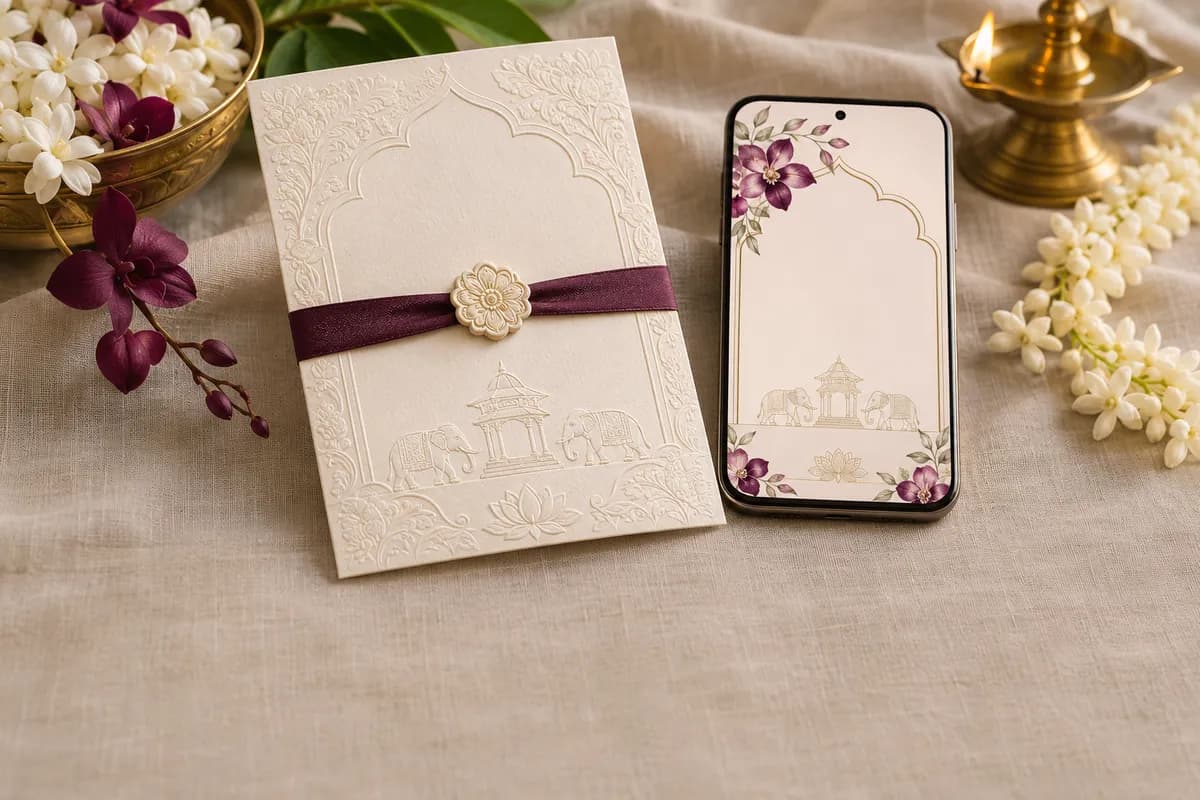
Many couples can settle their invitation format household by household. Some guests appreciate a printed card delivered in person, while others need a map and reply form they can use from their phone. Write down how each group will actually receive and use the information before pricing the job.
Count print copies by household
Start with households that are expecting personal delivery, guests without reliable access to a smartphone and any copies you want to keep. Estimate an allowance for replacements and late additions. Ask printers about minimum quantities, envelopes, proofs, corrections and delivery dates.
For digital invitations, check how you will share and collect replies. A personal link makes it possible to identify a household's response. Give guests who reply by phone a named contact and record their answers in the same guest list.
Use the same event details in every format
Approve event names, times and locations before either version goes out. Put the primary RSVP method on the print version as well. A QR code can help, and a printed number gives a guest another way to reply if a code cannot be scanned.
Assign delivery and follow-up
Keep track of which household received which version, when it was sent and who is following up. If something changes after printing, prepare a short update with the affected event and the correct details, then use the contact method each household is likely to see.
Calculate print copies from delivery routes and households
Suppose you have 110 invited households for a reception. Fifty want a card delivered in person, forty are easiest to reach by phone message and twenty live abroad or have uncertain addresses. Start the print estimate with fifty, add any courtesy or keepsake copies both families have agreed and hold a small spare quantity. Keep the online reply route available to a household that receives paper if it will make collecting answers easier. Tell the delivery team what to record if a recipient replies on the spot.
Compare the printer's actual delivery date against the RSVP cutoff. If the proof needs time and some guests have to make travel arrangements, separate the date they need information from the date the card can reach them. Send confirmed practical details early to those households, and check that the print text carries the same venue, reply contact and date. Keep a list of people who need to be contacted if the information changes after the print order.
Give each household a clear delivery owner
Make a list that groups invitees by the person receiving the invitation. Record the event, the preferred channel, the language, the sender and the date it was sent. A parent delivering print copies may have a different list from a cousin sending WhatsApp messages. Both should work from the same household record. Where more than one person helps, agree which person has the latest contact details and handles follow-up. Record a call or personal visit alongside a digital send so a household does not get several unexplained reminders.
Before sending a batch, check names and event against the message or envelope. Put time aside for calls to guests who use a shared phone, have a new number or need directions explained. Ask the delivery owner to mark returned envelopes, undelivered messages and wrong contacts. An unchanged delivery date is enough for the first send. For a correction, add a new dated entry and mention what changed so a second person can see why the household was contacted again.
Track delivery separately from the reply. A guest can have received the card and still be deciding. Equally, someone can confirm by phone before a paper card arrives. At the next family check-in, review only the households with a delivery problem, pending reply after the cutoff or a change that requires a new message. Keep the contact information with the delivery team. The caterer and venue can usually work with totals and table instructions without receiving everyone's numbers.
Approve a production sample and a receiving plan
Ask the stationer to show the exact dimensions, paper, envelope and finish in the quote. Find out how a sample is made and what it can tell you. A PDF is usually the right place to check spelling and arrangement. A physical sample lets you feel the stock and assess contrast, folds and the space left for handwriting. Ask whether colours and finishes will match the final run closely enough to approve. Check where artwork is trimmed and whether important lines sit safely inside that area.
Make an approval checklist for the viewer with the best source of each fact. The ceremony lead confirms the event timing, the families check names and the RSVP owner tests the contact method. Scan any code on a real printed sample and open the link from more than one device. Put all corrections into one list. Ask the stationer to return a version with the corrections applied and save the exact file used to approve printing.
Agree who receives the finished cards and when someone will check the delivery. Open boxes from different parts of the order and check quantity, envelopes and any distinct inserts. Compare the delivered card with the final proof. If part of the order is wrong, photograph the affected batch and give the stationer the order reference and required date for replacements. Keep the correct stacks separated until the discrepancy is resolved. This makes it easier to deliver the ready sets and avoid mixing revised and earlier cards.
Test the invitation on a phone outside your workspace
Send a sample to a trusted person using the channel most guests will receive. Have them open it outside your owner account on a phone. Ask them to find the event title, the arrival time, the map and the reply form without instructions. Try the link from a messaging app and a normal browser. When the invitation offers personal details, use a test household with sample names. This gives you a way to test personalisation and access without exposing someone's real guest record.
Check the display on a smaller screen and under an ordinary mobile connection. Photos should leave the event details quick to reach. Scroll to the reply area and check what happens after the test person submits one attending guest, declines or closes the page before submitting. Confirm the wording for successful submission and check where the completed reply appears in the workspace. If you are collecting responses for several events, repeat the test for each event invitation and compare the saved replies to the actual selection.
Verify the external parts as well. Check that the map pin has the right vehicle approach and that the displayed reply number is reachable. Open a revised test version if you change a date or entrance after first approval. Keep the sample message and record the final test date where the sender can see it. When you find a fault, fix it before sending to the next batch and keep a short fallback message ready for a guest who needs the details by phone.
Keep one master copy for digital and printed details
Place the event name, room, date, arrival time, map pin and RSVP method in one reference that both the stationery and digital teams use. Add separate rows for each event, including the homecoming if it has its own location and headcount. Agree who can approve a change. A designer should know which details are confirmed and which ones can remain as placeholders in a proof. A family volunteer should know which copy to use when answering a guest's question.
When an update is approved, mark the exact old and new details and list which materials already went out. A change to parking instructions may require an updated digital page, an insert and a message to guests catching a shuttle. A date or venue change may require a broader notice. Use language that spells out the new instruction and the event it affects. Send it by the same channel the household used previously if that channel reached them. Make a phone call where the change has a large impact and the usual recipient is hard to reach.
Test the new version like a fresh invitation. Check that the URL opens, the map pin points to the correct approach and the displayed dates still match the event that the household can attend. Date the master and keep one record of whom you contacted. A volunteer who joins near the wedding can then answer from the current information without guessing which card or chat message was the latest.