Invitations and RSVPs
Bilingual Wedding Invitations in Sinhala, Tamil and English
By MyWeddingDayUpdated
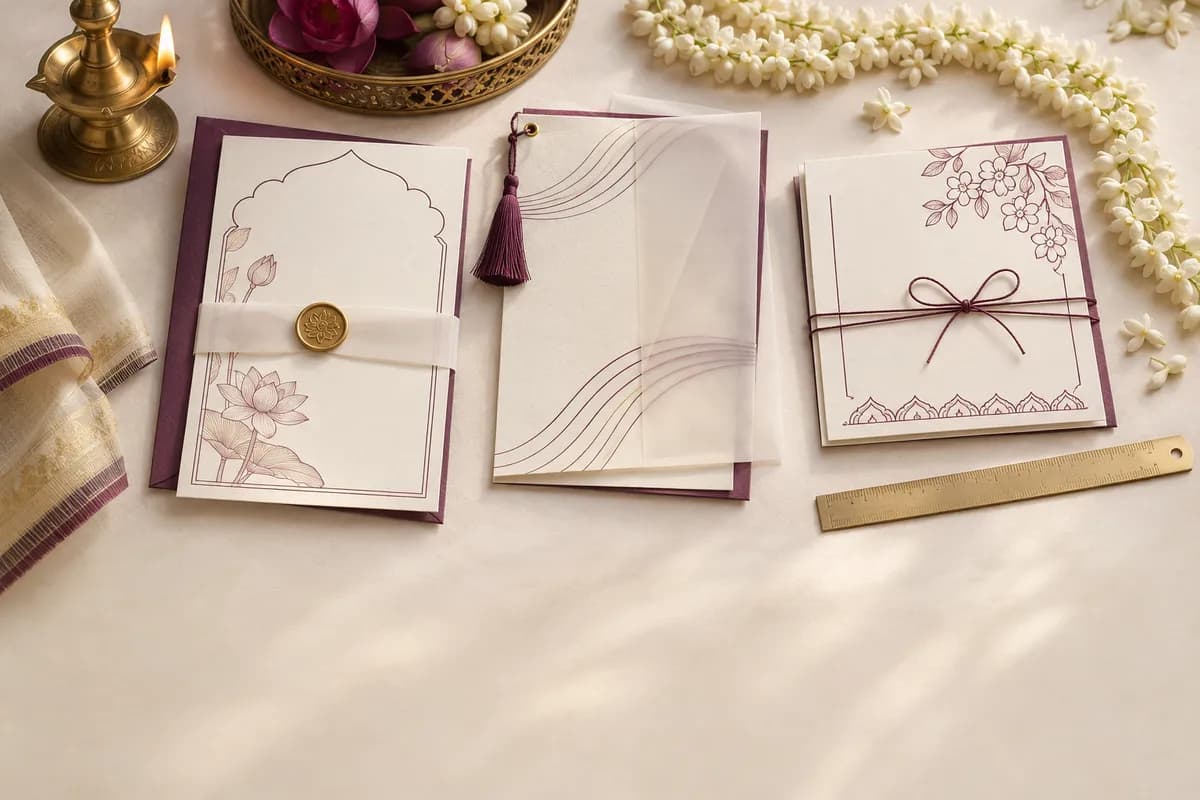
Start bilingual invitation design by asking guests which language will make the details easiest to use. You can print both languages together, prepare separate versions or pair a shorter printed card with a digital page. The right format depends on available space and how guests will receive it.
Create one approved set of event details
Write down the date, arrival time, full venue name, map landmark and reply date in a master file. Agree how the couple's and parents' names should appear in each script. Ask a fluent family member to check forms of address and any place name that guests might search by spelling.
Keep the same sequence and meaning in both versions. If one uses a twelve-hour time, make the morning or evening clear. Check that any ceremony name and reception time still refer to the same event across both languages.
Leave room for each script
Mock up full-length names and venue addresses before choosing a layout. Check line spacing, line breaks and contrast at actual card size. On mobile, view the page at a narrow width and see whether a guest can read it with browser text enlargement.
Approve the real proof
Ask one reader per language to proof the exported file or preview. Have them confirm names, numbers, contacts and reply instructions independently. Make changes in the master details and recheck both versions after any date or venue update.
Decide between one bilingual layout and separate versions
Try both with the longest names and venue address. A single card can help families who use two languages in one household, but the small type size required by a tight layout can make details harder to use. Separate versions give the designer more room. They also require a delivery record that can tell each household which script it should receive. You may choose a two-language practical insert that pairs with a shorter ceremony card if the main design has already been agreed.
Give both reviewers the venue's written room name and the agreed local date. Ask them to read the host lines as well as the practical details. A title or kinship term can sound different to each family even when a direct translation appears correct. Confirm which wording they would actually use with their guests. On the final proof, check the font, spacing and punctuation again after any edits. Changes that seem small in one script may move a line or change where a guest finds the reply method.
Proof the invitation in every script before releasing it
Agree the facts first. Put the spelling of the couple's and parents' names, the ceremony title, venue name, room, date, time and RSVP instructions in one file. Give each language reviewer the original information and the finished version. Ask someone who reads that script fluently to check forms of address and preferred names with the family. If you get competing spellings, ask the person whose name it is or the relative handling that household to confirm.
Check the design at its final size. Watch for missing glyphs, cramped line breaks and important words wrapping onto a new line without context. Verify that the date and times describe the same event across versions. A numeral that looks similar at design scale can be harder to read from a small card. On a phone, try the narrowest screen you expect and enlarge the text. In print, check if decorative material overlaps a line that was longer than the designer's sample copy.
Set one small sign-off process. Let proofreaders flag issues against one named version. When corrections are made, confirm every affected output, including digital previews and any print file. Ask the delivery owner whether the right language version is assigned to each household. Save the record of approval beside the event details. If you change something afterward, alert the people editing both scripts and check the matching line together before a new file gets sent.
Read the invitation from the guest's side
Give the draft to a person who knows the family and to a person who knows only the venue area. Ask them to describe who can attend, the occasion, the time to arrive, where to go and what action the sender wants. Include a reader who uses the other language where you have more than one version. Their answers will identify assumptions you and the designer have been making. Someone may read an arrival window as the start of the ceremony or think that the hotel name is enough to identify its event rooms.
Group practical information together. Write the event name, full local date, arrival time, room name and venue area with enough space for the longest version. Keep the reply method and date close to each other. If the couple has separate guest groups for the ceremony and reception, test a real example of each type of invitation. Check that the correct household names and relevant events appear, and that the sample does not mention a room or time from a separate event.
Give the reviewer the actual printed proof or the linked page on a phone. Ask them to find the message again without your help. If you need a change, correct the master event details and regenerate affected versions. Afterward, verify the changed field and what sits immediately above and below it. An edit can move a line or make a label less clear. Approve with the person handling delivery and agree which version they will use.
Approve a production sample and a receiving plan
Ask the stationer to show the exact dimensions, paper, envelope and finish in the quote. Find out how a sample is made and what it can tell you. A PDF is usually the right place to check spelling and arrangement. A physical sample lets you feel the stock and assess contrast, folds and the space left for handwriting. Ask whether colours and finishes will match the final run closely enough to approve. Check where artwork is trimmed and whether important lines sit safely inside that area.
Make an approval checklist for the viewer with the best source of each fact. The ceremony lead confirms the event timing, the families check names and the RSVP owner tests the contact method. Scan any code on a real printed sample and open the link from more than one device. Put all corrections into one list. Ask the stationer to return a version with the corrections applied and save the exact file used to approve printing.
Agree who receives the finished cards and when someone will check the delivery. Open boxes from different parts of the order and check quantity, envelopes and any distinct inserts. Compare the delivered card with the final proof. If part of the order is wrong, photograph the affected batch and give the stationer the order reference and required date for replacements. Keep the correct stacks separated until the discrepancy is resolved. This makes it easier to deliver the ready sets and avoid mixing revised and earlier cards.
Test the invitation on a phone outside your workspace
Send a sample to a trusted person using the channel most guests will receive. Have them open it outside your owner account on a phone. Ask them to find the event title, the arrival time, the map and the reply form without instructions. Try the link from a messaging app and a normal browser. When the invitation offers personal details, use a test household with sample names. This gives you a way to test personalisation and access without exposing someone's real guest record.
Check the display on a smaller screen and under an ordinary mobile connection. Photos should leave the event details quick to reach. Scroll to the reply area and check what happens after the test person submits one attending guest, declines or closes the page before submitting. Confirm the wording for successful submission and check where the completed reply appears in the workspace. If you are collecting responses for several events, repeat the test for each event invitation and compare the saved replies to the actual selection.
Verify the external parts as well. Check that the map pin has the right vehicle approach and that the displayed reply number is reachable. Open a revised test version if you change a date or entrance after first approval. Keep the sample message and record the final test date where the sender can see it. When you find a fault, fix it before sending to the next batch and keep a short fallback message ready for a guest who needs the details by phone.